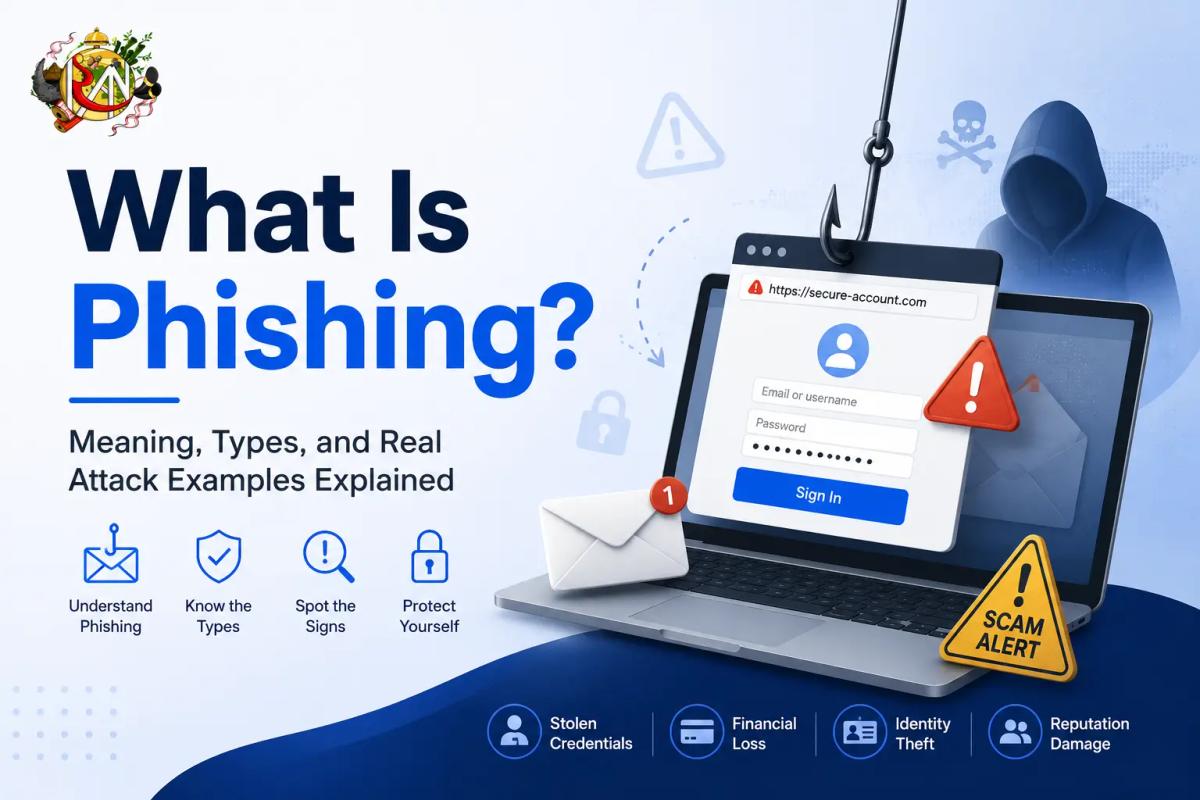
You've probably seen the warning before: "Don't click that link, it might be phishing." But what does that actually mean, and how do these scams manage to fool even careful, tech-savvy people? This guide explains phishing in plain terms — what it is, how it works, the different forms it takes, and how to recognize one before it does any damage.
What is Phishing?
Phishing is a type of cyberattack where someone impersonates a trusted person, brand, or organization — usually through email, text message, or a fake website — to trick you into handing over sensitive information like passwords, bank details, or one-time codes, or into installing malicious software.
The name is a deliberate play on "fishing": attackers cast out bait — a convincing message — and wait for someone to bite. Instead of hacking through a system's defenses with brute technical force, phishing exploits something simpler and often more effective: human trust and urgency.
Example: You receive an email that looks exactly like it's from your bank, warning that your account will be suspended unless you "verify" your details within 24 hours. The link leads to a fake page designed to look identical to your bank's real login screen. Enter your credentials there, and the attacker now has them.
How Does Phishing Work?
Most phishing attacks follow a similar pattern, even though the details vary:
- The bait. An attacker sends a message designed to look like it's from a legitimate, trusted source — a bank, a delivery company, a coworker, or even a government agency.
- The hook. The message creates urgency or fear: a suspended account, an unpaid invoice, a missed delivery, a security alert. This pressure is designed to make you act quickly, before you stop to think it through.
- The trap. The message includes a link to a fake website that closely mimics a real one, or an attachment containing malware. Entering information on the fake site, or opening the attachment, hands the attacker what they're after.
- The payoff. The attacker uses stolen credentials to access accounts, steal money, impersonate the victim to target others, or sell the data on to someone else.
What makes modern phishing dangerous is how convincing it's become. Logos, formatting, sender names, and even URLs can be made to look nearly identical to the real thing at a quick glance.
Common Types of Phishing Attacks
Phishing isn't a single technique — it comes in several distinct forms:
Email phishing is the most common type: mass emails sent to large numbers of people, impersonating a well-known brand or service, hoping a small percentage of recipients will take the bait.
Spear phishing is targeted at a specific person or organization, using personal details — a name, job title, or recent activity — to make the message far more convincing than a generic mass email.
Example: An attacker researches a company's finance manager on LinkedIn, then sends an email that appears to come from the CEO, referencing a real, upcoming business trip and requesting an urgent wire transfer.
Whaling is a form of spear phishing aimed specifically at senior executives or high-profile targets, often impersonating other executives, board members, or legal representatives to authorize large transactions or access sensitive company data.
Smishing is phishing carried out through SMS text messages, often impersonating delivery services, banks, or government agencies with a link to a fake site.
Vishing is voice phishing, conducted over phone calls, where an attacker impersonates a bank representative, tech support agent, or official to extract information directly in conversation.
Clone phishing takes a real, previously delivered email and creates a near-identical copy with a malicious link or attachment swapped in, then resends it, relying on the recipient's familiarity with the original.
Angler phishing happens on social media, where attackers pose as customer support accounts — often replying to real complaints — to lure frustrated users into handing over account details on a fake "support" link.
Real-World Examples of Phishing
- Fake delivery notifications: A text message claiming a package couldn't be delivered, with a link to "reschedule" that leads to a fraudulent payment page for a small "redelivery fee."
- Fake invoice emails: An email impersonating a known vendor, attaching a fake invoice with a link to "view details," which instead installs malware or leads to a credential-stealing page.
- Fake IT support requests: An email or call impersonating internal IT support, asking an employee to "verify" their login credentials or install a "security update" that's actually malware.
- Fake job offers: A message impersonating a recruiter, requesting personal and financial details as part of a fake "onboarding" process.
- Business email compromise: An attacker gains access to or spoofs an executive's email account and instructs an employee to urgently process a wire transfer or purchase gift cards.
How to Recognize a Phishing Attempt
A few warning signs tend to show up across most phishing attempts:
- A sense of urgency or fear. Messages pushing you to act "immediately" or threatening account suspension are a classic pressure tactic.
- Mismatched or suspicious sender details. The display name might look legitimate, but the actual email address often doesn't match the organization it claims to represent.
- Generic greetings. "Dear Customer" instead of your actual name can be a sign of a mass phishing attempt, though targeted attacks may use your real name.
- Suspicious links. Hovering over a link (without clicking) often reveals a URL that doesn't match the real organization's domain.
- Unexpected attachments. Especially from unfamiliar senders, or attachments you weren't expecting even from familiar ones.
- Requests for sensitive information. Legitimate organizations rarely ask you to confirm passwords, PINs, or full card details over email or text.
- Poor grammar or formatting inconsistencies, although well-crafted phishing attempts increasingly avoid these obvious tells.
How to Protect Yourself From Phishing
- Verify independently. If a message claims to be from your bank or a service you use, go directly to the official website or app rather than clicking the link provided.
- Check the URL carefully before entering any credentials — look for subtle misspellings or unusual domains.
- Enable two-factor authentication wherever possible, so a stolen password alone isn't enough to access your account.
- Avoid clicking links or downloading attachments from unexpected or unfamiliar senders.
- Keep software and browsers updated, since updates often patch vulnerabilities phishing attacks try to exploit.
- Report suspicious messages to your email provider or IT department instead of just deleting them, which helps flag the threat for others.
- Pause before acting on urgency. Legitimate organizations rarely demand instant action; a moment of hesitation is often enough to spot the scam.
What to Do If You've Fallen for a Phishing Attack
If you realize you've entered credentials on a fake site or clicked a malicious link, act quickly:
- Change the password for the affected account immediately, and for any other accounts using the same password.
- Enable two-factor authentication if it isn't already active.
- Contact your bank directly if financial information was involved, to monitor or freeze the account.
- Run a security scan on your device if you downloaded an attachment or suspect malware.
- Report the incident to your organization's IT or security team, and to the platform or brand being impersonated.
Final Thoughts
Phishing succeeds not because people are careless, but because it's specifically designed to exploit trust, urgency, and split-second decisions. Knowing what phishing looks like — and building the habit of pausing to verify before clicking or sharing information — remains the most effective defense, no matter how convincing these attacks become.