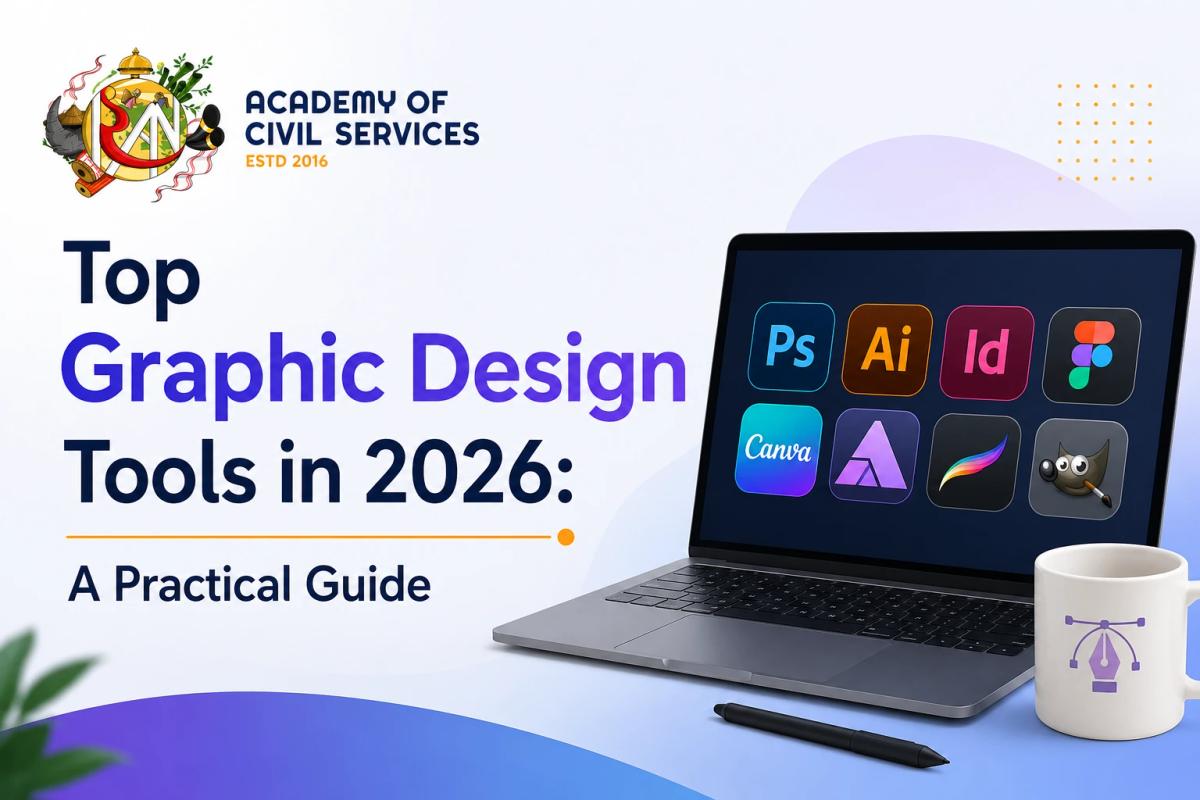
Ask a working designer what software they use and you'll rarely get a single answer, because the category has quietly split into two very different lanes. There's professional creative software built for people who identify as designers — Photoshop, Illustrator, Figma — and there's template-first software built for people who occasionally need to design something as part of a bigger job — Canva being the obvious example. Neither lane is "better." They solve different problems. The mistake most people make is picking a tool based on hype rather than on what they're actually trying to produce, so here's a more honest breakdown of what each tool is genuinely good for, and what it costs.
Adobe Photoshop: Still the Benchmark for Raster and Photo Work
Photoshop remains the tool nearly every other raster editor gets compared to, and for detailed photo editing, image manipulation, and digital painting, it's still hard to argue with. If your work involves retouching, compositing, or anything pixel-based that needs fine, granular control, this is the one professionals default to. It runs around $23 a month as a standalone app, or roughly $55-60 a month if you want the full Creative Cloud suite alongside it. The learning curve is real, but so is the ceiling — there's very little you can't eventually do in it.
Adobe Illustrator: The Standard for Vector Work
Where Photoshop handles pixels, Illustrator handles paths, and it's the tool most professional designers reach for when building logos, icons, brand systems, and typography — anything that needs to scale cleanly from a business card to a billboard without losing quality. It's priced similarly to Photoshop, and the two are commonly used side by side, since raster and vector work rarely stay fully separate on a real project.
Adobe InDesign: The One People Forget About Until They Need It
For anything involving multiple pages — brochures, magazines, reports, packaging with repeated layouts — InDesign is still the tool built specifically for that job, and neither Photoshop nor Illustrator really substitutes for it well. It's less flashy than the other Adobe apps and gets overlooked in a lot of "best tools" roundups, but if print or multi-page layout is part of your work, it's not really optional.
Figma: The Default for UI, and Increasingly for General Design Too
Figma's rise since around 2018 changed how design teams work more than almost anything else on this list — it moved UI design, prototyping, and stakeholder feedback into one cloud-native tool, which meant designers and non-designers could sit in the same file and comment directly on the artwork instead of emailing screenshots back and forth. It's genuinely collaborative in a way desktop software struggles to match, and that's made it the default tool for a lot of general design work now, not just interfaces. It has a usable free tier, with paid plans starting around $15 a month per editor. It leans toward UI and product design rather than print, so heavier print work still belongs in the Adobe apps, but for most 2026 design work involving a team, it's become the natural starting point.
Canva: Built for Speed, Not for Advanced Control
Canva earned its place as the most popular design tool for non-designers — marketers, small business owners, educators, content creators — because it removes almost all the technical friction between an idea and a finished graphic. Drag-and-drop templates, a huge asset library, and a genuinely capable free plan make it the fastest way to produce something polished without learning a professional tool. It's not really built for advanced, highly custom design work, and most professional designers wouldn't use it as their primary tool, but for social media graphics, quick marketing materials, and simple brand assets, it does the job faster than anything else on this list. Paid plans run around $13-15 a month.
Affinity: The Serious Adobe Alternative, Now Free
Affinity Designer, Photo, and Publisher have built a real reputation as professional-grade alternatives to the Adobe suite — covering vector design, photo editing, and layout work respectively, with a level of control well beyond Canva. The biggest change in this space recently is pricing: after Canva's acquisition of Affinity, the full suite became free, which makes it by far the strongest no-subscription option for anyone who wants real professional tools without an ongoing Adobe bill.
Procreate: The Standard for Digital Illustration on iPad
For illustrators and digital painters working on iPad, Procreate has become close to the default choice, with a natural drawing feel and a one-time purchase price rather than a subscription. It's not a general-purpose design tool the way Illustrator or Figma are — it's built specifically around drawing and painting — but for anyone doing illustration-heavy work, it's usually the first tool recommended.
Free and Open-Source Options: GIMP, Inkscape, and Krita
Not everyone needs or wants to pay for design software, and this corner of the market has gotten genuinely capable. GIMP works as a free Photoshop alternative for raster editing, Inkscape covers vector work in a similar role to Illustrator, and Krita has built a strong following among illustrators and concept artists as a free alternative to Procreate on desktop. None of these have deep AI features built in the way the paid tools increasingly do, but for anyone learning design fundamentals or working with a tight budget, they're a genuinely solid starting point.
AI-Powered Design Tools: No Longer a Novelty
AI features have moved from a gimmick to a real part of how design tools work in 2026. Adobe Firefly is integrated directly into Photoshop and Illustrator and is built specifically to be commercially safe to use, which matters for professional and brand work in a way that some other AI image generators aren't. Canva's Magic Studio bundles a set of AI tools — Magic Design, Magic Layers, and others — aimed squarely at speeding up the kind of quick marketing and social content Canva was already built for. Figma has also added AI-generated layouts and real-time design suggestions into its workflow. The pattern across all of them is the same: AI is increasingly handling the repetitive, time-consuming parts of design work — background removal, layout variations, first-draft concepts — while leaving the actual creative decisions to the designer.
Which One Should You Actually Use?
Most working designers end up with two or three tools in combination rather than one tool that does everything, and that's a reasonable way to think about your own setup too. If you're a professional producing vector or print-heavy work, Illustrator and InDesign are still the benchmark, with Photoshop alongside for anything raster-based. If your work is UI, product design, or anything collaborative with a team, Figma is the natural default. If you're a marketer or small business owner who needs to produce polished graphics fast without a design background, Canva remains the fastest path there. And if budget is the deciding factor, Affinity now gives you a genuinely professional toolkit without an ongoing subscription, while GIMP, Inkscape, and Krita cover the same ground for free. The right answer isn't the tool with the most features — it's the one that matches what you're actually making.